Your email sender reputation is the invisible force that determines whether your carefully crafted messages land in the inbox or get buried in spam. It's not just another technical metric to monitor. It's the foundation of your entire email strategy, controlling up to 80% of your campaign's success before anyone even reads your subject line.
Think about it: you could have the most compelling offer, the most perfectly researched prospect list, and the most personalized message copy. But if your sender reputation is weak, none of it matters. Your emails never make it to your prospects' inboxes.
This guide will show you exactly what sender reputation is, why it matters more than ever in 2025, how mailbox providers calculate it, and most importantly, how to build and protect a reputation that gets your emails delivered consistently.
What Is Email Sender Reputation?
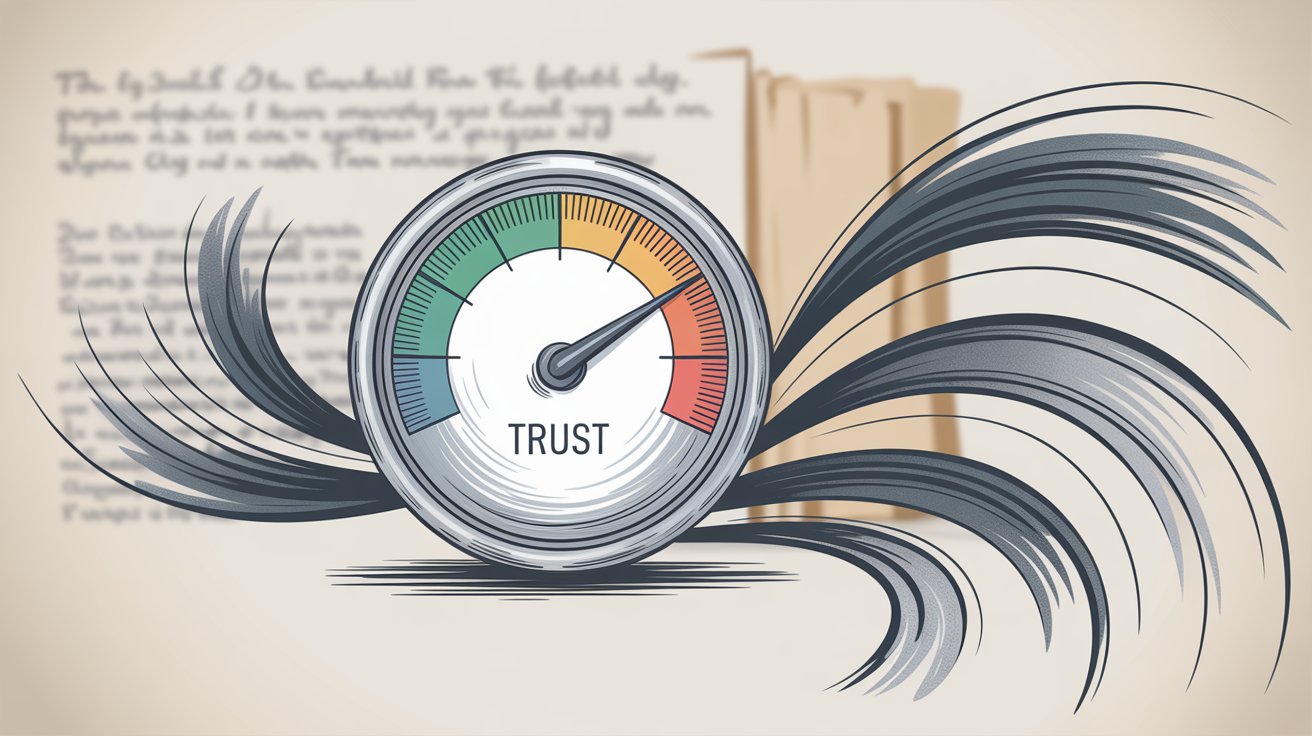
Email sender reputation is your credibility score with mailbox providers like Gmail, Outlook, and Yahoo. Just like a credit score tells lenders whether to trust you with money, sender reputation tells inbox providers whether to trust you with access to their users' inboxes.
Here's what makes it tricky: every major provider maintains its own version of your reputation. You might have a "High" score with Gmail but only "Medium" at Outlook, depending on how recipients on each platform engage with your emails. Research from industry experts confirms that maintaining consistent high reputation across all networks is essential for reliable deliverability.
Your reputation is tied to two main identifiers: your sending domain (like emails@yourcompany.com) and your IP address (the server sending your emails). In 2025, domain reputation has become even more critical than IP reputation. Why? Because most organizations now use custom domains for outreach, and mailbox providers have adapted their algorithms to weight domain behavior heavily in their filtering decisions.
The goal is simple: keep your reputation in the "High" range across all networks. On scoring systems that use numbers, this typically means staying in the 80 to 100 range. Below that, you start seeing deliverability problems pile up fast.
Why Email Sender Reputation Matters More Than Everything Else
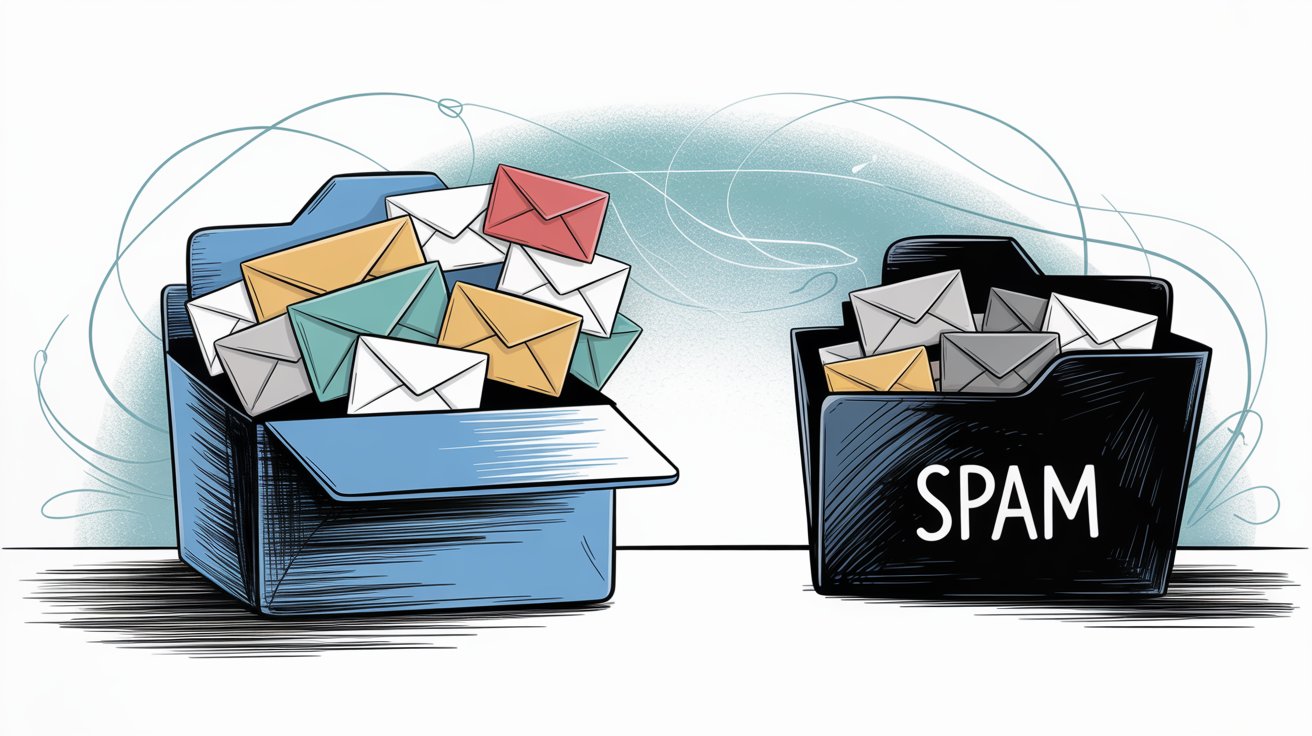
Let's be direct about this: sender reputation matters because it directly controls whether your emails get delivered to the inbox or filtered to spam. Everything else in your email program depends on this foundation working properly.
How Sender Reputation Affects Inbox Placement Rates
Senders with excellent reputation scores (above 90) typically see the vast majority of their emails delivered to the primary inbox. Industry data shows that low-reputation senders can have over half their messages diverted to spam or blocked entirely before they even reach the recipient.
A study by email data firms found that sender scores below 70 correlated with only 45% inbox placement. That means more than half your emails are invisible to recipients when your reputation falters.
What Poor Sender Reputation Does to Your Email ROI
Email continues to offer around $36 return for every $1 spent, according to research. But that impressive ROI only holds if your emails actually reach people and get opened.
A bad reputation destroys these economics. Low inbox placement rates mean fewer opens, fewer clicks, fewer conversations, and ultimately, fewer deals closed. The 2025 benchmark data shows an average email delivery rate of 99.5% across industries, but in sectors with poor sending practices it drops as low as 93%. That gap represents lost revenue opportunities.
Why Sender Reputation Is Hard to Recover
Here's something most senders learn the hard way: reputation is much easier to maintain than to recover.
If you slip up and trigger too many spam complaints or hit spam traps, you can get blacklisted or throttled. Winning back inbox trust after that can take weeks or even months of remediation work. Even senders with previously pristine reputations can suffer huge setbacks from one or two mistakes, like forgetting to include an unsubscribe link or accidentally blasting a low-quality list.
It's far smarter to guard your reputation proactively than to scramble to repair it after a major issue tanks your deliverability.
What Factors Determine Your Email Sender Reputation?
Sender reputation isn't arbitrary. It's calculated using a combination of technical settings and your actual sending behavior over time. Mailbox providers use sophisticated algorithms that weigh multiple factors to arrive at your score.
Some factors are technical (authentication, infrastructure). Others are based on how recipients interact with your emails. Here are the core elements that influence your reputation:
Email Authentication (SPF, DKIM, DMARC, TLS)
These protocols prove your emails actually come from you and not a spoofed source. Setting up SPF and DKIM for your sending domain is now baseline best practice.
Protocol | Purpose | Required? | Impact on Reputation |
|---|---|---|---|
SPF | Validates sending server authorization | Yes (2024+) | High - Prevents spoofing flags |
DKIM | Cryptographic email signature | Yes (2024+) | High - Proves authenticity |
DMARC | Policy framework for SPF/DKIM | Yes (5K+ emails/day) | Critical - Required by Gmail/Outlook |
TLS | Encrypted transmission | Yes (2023+) | Moderate - Security standard |
As of 2024, Gmail requires authentication for any high-volume sender, and Microsoft followed suit with similar requirements in 2025. Without proper authentication, providers might reject your messages outright or flag them as suspicious. For example, lacking DKIM can cause Gmail to block your email from even reaching the spam folder.
Bottom line: Authenticate everything. No exceptions.
How Your Sending Domain and IP Reputation Work
Mailbox providers track the history of the domains and IP addresses you send from. If you use a dedicated IP, that IP's past behavior influences your delivery. If you use a shared IP through an email service provider, your domain's reputation often carries more weight.
New domains start with neutral reputation and must earn trust gradually. This is why you'll hear about "warm-up" periods for new sending domains. You can't just spin up a fresh domain and immediately blast thousands of emails without triggering alarms.
Conversely, older domains that have been flagged for spam in the past will struggle until they demonstrate sustained good behavior. Many outbound teams use dedicated domains separate from their main company domain for cold email campaigns. This protects the primary brand domain's reputation if something goes wrong with outreach campaigns.
Why Sending Volume and Patterns Matter
Consistency matters enormously. ISPs monitor your sending patterns: how many emails you send and how suddenly that volume changes.
Large spikes from a sender with no history are massive red flags. A domain that normally sends 1,000 emails monthly and suddenly blasts 1 million in a day will trigger every alarm bell at mailbox providers. Gradual, steady growth is viewed favorably.
Frequency also plays a role. If you email very infrequently, recipients might forget who you are and mark you as spam when you finally do send. But emailing too often or sending high volumes daily without prior history also hurts.
The safest approach: ramp up slowly with any new sending IP or domain, and maintain a regular cadence. This is why professional outbound providers often distribute emails across many inboxes and domains to keep per-sender volume low and consistent.
How to Keep Your Bounce Rate Under 2%
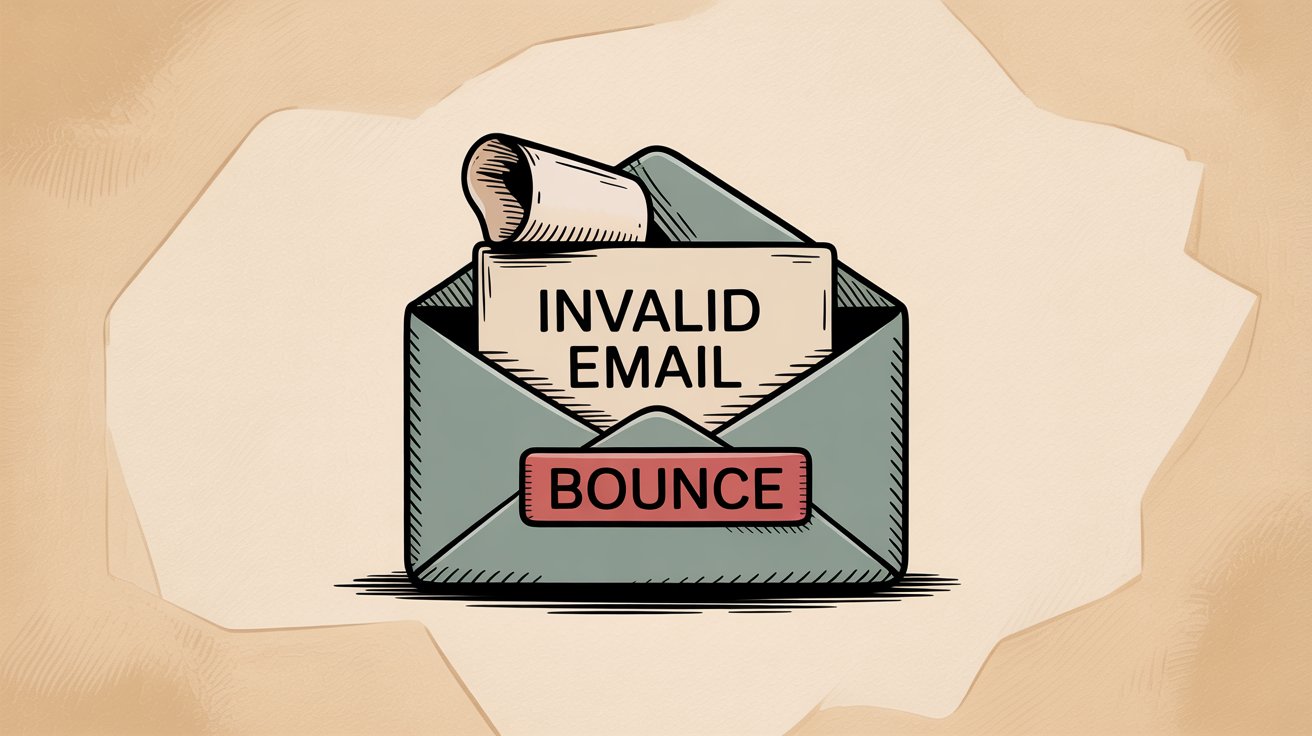
If you send emails that bounce because the address is invalid or the mailbox doesn't exist, it signals poor list quality. A high bounce rate will tarnish your reputation quickly.
Many ISPs factor bounce rate directly into their algorithms. Too many invalid recipients suggests you're emailing without proper verification or permission.
Critical Threshold: Keep your bounce rate under 2% of sent volume. Industry standards consider anything below 2% healthy and protective of your reputation. Anything significantly above that (especially if sustained) will get attention from spam filters.
Most email service providers automatically suppress addresses that hard-bounced once to prevent repeat attempts. Maintaining near-zero hard bounces by using email verification tools and cleaning lists regularly is essential.
Why Spam Complaints Kill Your Sender Reputation
Every time a recipient hits the "Report Spam" or "Junk" button on your email, it's logged as a complaint against you. This is one of the deadliest factors for sender reputation.
Industry benchmarks for acceptable complaint rates are extremely low. Gmail's new bulk sender rules require keeping spam complaint rates under 0.3% (just 3 complaints per 1,000 emails). Many experts advise aiming even lower, under 0.1%, to stay well in the safe zone.
If your campaigns generate 5 complaints per thousand emails, you're in serious trouble. To minimize complaints:
Make sure you're sending relevant content to the right audience
Always include an easy way for recipients to opt out instead of reporting spam
Promptly remove anyone who complains or opts out from your list
What Are Spam Traps and How to Avoid Them
Hitting a spam trap (an email address monitored specifically to catch spammers) is a surefire way to damage your reputation. These addresses end up on lists when you purchase lists, scrape the web, or don't clean old addresses.
If you hit a spam trap operated by a major blacklist like Spamhaus, your sending domain or IP could get blacklisted. Being on a major email blacklist means many ISPs will outright block your messages.
List hygiene is critical: Never use purchased lists. Use email verification services to identify and remove risky addresses (invalids, abuse addresses, potential traps) before you send. Routinely monitor if your domain or IP appears on any common blacklists using free lookup tools.
If you find you're listed, investigate the cause and follow the delisting process for that list.
How Engagement Metrics Affect Sender Reputation
Mailbox providers increasingly factor in how recipients engage with your emails as a measure of sender quality.
Positive engagement includes opens, replies, clicks, forwards, and moving your email from spam to inbox. These signals tell providers that people welcome your messages.
Negative engagement includes ignoring emails, deleting without reading, or quickly deleting immediately after opening. Low engagement over time can downgrade your reputation.
One especially bad signal: recipients frequently unsubscribing or complaining shortly after receiving your emails. This is why some marketing senders will suppress chronically unengaged contacts. Continuing to send to people who never open can hurt your overall metrics.
Note: Open rates have become less reliable due to Apple's Mail Privacy Protection, so ISPs likely place more weight on other interactions now. Focus on sending content valuable enough that recipients read and respond to it.
High engagement equals higher reputation. Poor engagement is a red flag that contributes to spam filtering.
How Email Content Quality Affects Deliverability
While content isn't directly part of your numeric sender reputation, it has an indirect effect by triggering spam filters and influencing engagement and complaints.
Certain content issues can cause even a reputable sender's email to land in spam. Filters look for things like excessive ALL CAPS, overly salesy language, suspicious links or attachments, malformed HTML, and phishing-like content.
One email expert found that using a double-hyphen in a word caused emails to land in spam until it was removed. While one quirk like that won't permanently ruin your reputation, repeated content-related issues can contribute to spam folder placement, which lowers engagement and creates a vicious cycle.
Best practice: create clean, relevant content with no spammy tricks, clear formatting, proper text-to-image balance, and include required elements like your physical mailing address and unsubscribe link. Learn more about cold email best practices to improve your content quality.
Why Easy Unsubscribe Options Matter
Having a clear and functional unsubscribe mechanism is not just legal compliance. It's now part of how mailbox providers judge you.
Gmail and Outlook's latest sender guidelines explicitly require that bulk senders include a one-click unsubscribe in messages and a prominent unsubscribe link in the email body. If you send marketing or outreach emails without an easy opt-out, you'll get more spam complaints because recipients who want out have no other recourse.
Providers may penalize you for this. Always make it simple for uninterested recipients to remove themselves. This keeps complaint rates down and is increasingly seen as a hallmark of a legitimate sender.
How to Check Your Email Sender Reputation
You can't manage what you don't measure. To protect your sender reputation, you need to regularly monitor how ISPs perceive you.
Fortunately, there are tools and services (many free) to check various aspects of your reputation. Here are the most useful ways to keep tabs:
Tool | What It Measures | Cost | Best For |
|---|---|---|---|
Google Postmaster Tools | Gmail reputation (High/Medium/Low/Bad), bounce rates, spam rates, spam trap hits | Free | Anyone sending to Gmail accounts |
Microsoft SNDS | IP reputation at Microsoft (Good/Neutral/Poor), spam complaint rates | Free | Dedicated IP users sending to Outlook/Hotmail |
Cisco Talos Intelligence | IP/domain reputation (Good/Neutral/Poor), blacklist status, spam activity | Free | Quick third-party reputation check |
Validity Sender Score | IP reputation score (0-100 scale), multi-ISP assessment | Free | IP reputation trending analysis |
Blacklist Monitoring | Presence on major blocklists (Spamhaus, Barracuda, SpamCop) | Free | Proactive blocking prevention |
GlockApps / MailTester | Inbox placement testing, spam score analysis, deliverability diagnostics | Paid | Pre-campaign testing and troubleshooting |
ESP Dashboards | Platform-specific metrics, bounce rates, engagement tracking | Included | Daily operational monitoring |
How to Use Google Postmaster Tools
If you send significant email to Gmail accounts, Google's Postmaster Tools is essential. It's a free dashboard where you verify ownership of your sending domain to access insights about your domain's reputation as Gmail sees it.
The tool rates your reputation as High, Medium, Low, or Bad. It also provides Gmail-specific bounce rates, spam complaint rates, and alerts if Gmail has seen spam trap hits from you. You can see the percentage of your emails that users reported as spam. Google explicitly advises keeping this spam rate under 0.3%.
Postmaster Tools gives you a direct window into your Gmail sender reputation. Check it frequently, especially after large campaigns or changes in sending patterns.
How to Use Microsoft SNDS for Outlook Reputation
For Outlook, Hotmail, and Live email recipients, Microsoft's Smart Network Data Services (SNDS) provides visibility into the reputation of your sending IP addresses.
If you have a dedicated sending IP, you can enroll in SNDS to see data like spam complaint rates from Outlook users, your IP's overall reputation category at Microsoft, and if emails are getting filtered. SNDS tells you if your IP is considered Good, Neutral, or Poor by Microsoft's standards.
Other Sender Reputation Monitoring Tools
Cisco Talos Intelligence is a public lookup tool that aggregates sender reputation data. You can input an IP address or domain and it gives you a quick reputation rating (Good, Neutral, Poor) and lists any recent blacklists or spam activity.
Validity Sender Score evaluates your sender IP on a scale of 0 to 100, like a credit score for your IP's reputation across various ISPs. A score in the 90s is excellent. A score in the 70s or below indicates problems.
Blacklist Monitoring Tools let you periodically check if you're on any major email blocklists. Services like Spamhaus, Barracuda, and SpamCop maintain lists of IPs and domains known for sending spam. If you appear on one, many servers will reject your mail.
Pro tip: Don't just check these when something feels wrong. Proactively monitor them on a regular schedule (weekly or monthly). Many senders get blindsided by a slow decline in reputation that went unnoticed until open rates tanked. By keeping an eye on your dashboards, you can spot issues early and take corrective action before deliverability drops off a cliff.
How to Build and Protect a Strong Sender Reputation
Achieving and keeping a great sender reputation boils down to following best practices consistently. It's about building trust with mailbox providers over time by sending wanted emails in a responsible way.
If your current reputation needs repair, don't worry. You can improve it with a systematic approach. And if you already have good reputation, these same practices will help you keep it.
Step 1: Set Up Email Authentication Correctly
This is non-negotiable. Implement SPF and DKIM on your sending domains so every email is authenticated as coming from you. Then publish a DMARC record to specify your policy and get feedback reports.
As of 2024-2025, Gmail and Outlook require authentication for any significant volume sender, and Microsoft specifically requires DMARC (even if just p=none) for senders above 5,000 emails per day.
Authentication protects your brand from spoofers and gives you the benefit of the doubt with ISPs. Also ensure you send via TLS encryption (most reputable email services do this by default).
Step 2: How to Warm Up New Domains and IPs
If you're starting with a new sending domain or a cold IP address, don't jump straight into high volume. ISPs monitor new senders very closely.
Begin with small sends to your most engaged contacts, then steadily increase over weeks. This "warm-up" period builds your reputation gradually instead of alarming ISPs with sudden bursts. You might send a few dozen emails the first day, a hundred the next, then a few hundred, and so on, while keeping complaint and bounce rates near zero.
The principle is simple: slow and steady wins trust.
Step 3: How to Maintain Clean Email Lists
A clean email list is the backbone of good sender reputation.
Remove invalid addresses before you ever email them. Use email verification services to scrub your list and eliminate addresses that would bounce or appear risky (role accounts, temporary domains, known complainer addresses).
Never purchase lists or scrape random emails. They're often full of spam traps and outdated addresses. Also continuously update your list: if an address hard bounces, ensure it's suppressed from future sends. Monitor your bounce rate on every campaign. If you see a spike, investigate and fix your data source.
Keeping bounce rate under 2% at all times is a must. By meticulously verifying and cleaning your contact lists, you signal that you're a responsible sender who doesn't spam random or dead addresses.
Step 4: How to Send Emails People Actually Want
The simplest way to avoid complaints and negative engagement is to send emails that recipients actually find valuable.
Segment your audience and personalize your messages to their needs. Even in cold outreach, do your homework to ensure your message is likely relevant to the prospect. In marketing emails, never blast your whole list with something only a subset cares about.
The more targeted your emails, the higher your engagement and the lower your complaints. Also avoid known spam trigger content: don't use deceptive subject lines, excessive exclamation points, ALL CAPS, or phrases that scream "scam." Good content leads to better engagement signals, which bolster your reputation.
Learn more about cold email copywriting to improve your messaging.
Step 5: Always Include an Easy Unsubscribe Option
This is not only a legal requirement (CAN-SPAM, GDPR) for marketing emails, but also crucial for your reputation.
Google and Microsoft now expect even cold senders to offer one-click or easy unsubscribe options. Make sure your emails have a visible unsubscribe link that actually works. If a recipient wants to opt out, let them do so hassle-free. Otherwise they will mark you as spam, damaging your reputation.
It's far better to lose a disinterested subscriber than to have them file a spam complaint.
Step 6: How to Manage Unengaged Contacts
Pay attention if certain segments of your list generate more spam reports or if some addresses never engage.
For opted-in marketing lists, it's wise to sunset unengaged subscribers after a period. If someone hasn't opened or clicked any email in 6 to 12 months, consider stopping or reducing emails to them. Continuing to hit folks who don't remember subscribing will eventually lead to complaints or spam foldering.
For cold email, this translates to focusing on quality over quantity. It's better to reach out to a smaller, well-researched list than to spray a huge unvetted list.
Step 7: Maintain Consistent Sending Patterns
Consistency helps build a stable reputation. ISPs notice when you maintain predictable sending patterns.
If you send a monthly newsletter, try not to skip months and then send a burst. That inconsistency can be detrimental. For cold emails, set a daily sending plan you can keep up with, rather than sporadic big blasts.
Consistency also extends to infrastructure: don't constantly change your From name, sending domain, or IP without good reason. Stability in those elements helps ISPs recognize you as the same sender with history. If you need to scale up volume, do it gradually and possibly spread it across additional domains or IPs to avoid any single sender identity hitting its limits.
Step 8: How to Monitor Email Performance Metrics
Data is your early warning system. Keep a close eye on your email performance metrics every time you send.
Specifically watch:
Bounce rate (must stay under 2%)
Open rate (trending indicator)
Click rate (engagement signal)
Unsubscribe rate (dissatisfaction metric)
Spam complaint rate (critical - must stay under 0.3%)
If you see a jump in bounces above 2% or complaints approaching even 0.2% to 0.3%, act immediately. Identify which list or segment caused it and pause sending to them.
Many ISPs provide feedback loop (FBL) services where they notify you of spam complaints. Sign up for those when available so you get notified if a recipient hits "Report Spam." This allows you to promptly remove that person and avoid further damage.
Vigilantly track your deliverability metrics. A sudden dip in open rates or surge in bounces is often the first sign of a reputation problem. By catching it early, you can fix the root issue before your whole program suffers.
Step 9: Avoid These Sender Reputation Killers
Certain practices are almost guaranteed to hurt your sender reputation:
Buying or renting email lists because they're full of bad addresses and uninterested recipients.
Sending without permission in B2C contexts (for B2B cold outreach, be targeted and professional).
Ignoring legal requirements like including your physical address and unsubscribe link.
"Snowshoe" spamming by spreading high volume across many IPs/domains to evade filters.
Hiding your identity instead of using a consistent "From" name that clearly identifies your business.
Neglecting to respond to problems when you're on a blacklist or getting blocked.
Step 10: How to Use Engagement to Improve Reputation
Try to generate positive engagement signals for your emails. Some ways to do this include asking questions that encourage recipients to reply. Replies are a very positive signal to mailbox providers that your email was wanted.
If appropriate, ask users to add you to their contacts list or whitelist you. Emails from a recipient's address book are more likely to land in inbox. Building genuine relationships with your audience where they interact with your emails will greatly help your reputation.
High reply rates and low delete-without-reading rates show ISPs that you send valuable content.
How Outbound System Maintains 98% Inbox Placement
Managing sender reputation at scale is complex, technical, and time-consuming. It's also absolutely critical for successful cold email campaigns. This is exactly why we built Outbound System's infrastructure the way we did.
Our entire platform is designed around one core principle: maintaining pristine sender reputation so your emails consistently reach the inbox.
Private Microsoft Infrastructure for Maximum Deliverability
We use 350 to 700 Microsoft U.S. IP inboxes (depending on your plan) to distribute your sending volume. Why does this matter for reputation?
Low per-inbox volume: Each inbox sends only a small number of emails daily, mimicking natural human patterns. This keeps every individual sender identity below the radar of spam filters.
Distributed sending patterns: Instead of one domain blasting thousands of emails (which triggers every ISP alarm), we spread your volume across many sender identities. Each maintains its own excellent reputation.
Private infrastructure: You're not sharing IP pools with unknown senders who might damage reputation. Your sending is isolated and protected.
This approach has helped us achieve and maintain 98% inbox placement rates across our client base. When your infrastructure is built correctly from day one, reputation becomes an asset instead of a constant worry.

9-Step Email Verification to Eliminate Bounces
Remember how bounce rates and spam traps destroy sender reputation? We handle that before your first email goes out.
Our 9-step waterfall enrichment process combines:
Syntax validation checks to catch obviously invalid addresses
SMTP ping verification to confirm mailboxes actually exist
Historic bounce data analysis to filter addresses with poor track records
Engagement signal evaluation to prioritize contacts more likely to respond
This triple-verification approach ensures we're not sending to dead addresses, spam traps, or risky contacts. The result: bounce rates under 2% (usually under 1%) and zero spam trap hits. Your sender reputation stays clean because we never let bad data touch your campaigns.
Automatic Warm-Up and Volume Management
Every new sending domain needs careful warm-up to build reputation. We handle this automatically.
When you start with Outbound System, we don't immediately blast your full volume. We gradually ramp up sending over the first few weeks, starting with small batches to establish positive sending history with ISPs.
We also manage ongoing volume carefully. Our system monitors engagement and delivery metrics in real-time. If we detect any issues (rising bounce rates, spam complaints, or deliverability drops), we automatically adjust sending patterns to protect your reputation.
How AI Personalization Improves Engagement Metrics
Engagement metrics directly impact sender reputation. When recipients ignore or delete your emails, ISPs notice. When they reply or click, ISPs recognize your emails as wanted.
We combine human-written sales copy with AI-driven line-level personalization to ensure your messages get read and responded to. Our average response rates of 6% to 7% aren't just good for your pipeline. They're also powerful signals to mailbox providers that your emails deliver value.
High engagement from your campaigns actively improves your sender reputation over time.
Real-Time Deliverability Monitoring
We don't just set up your campaigns and hope for the best. Our team monitors deliverability metrics continuously:
Inbox placement rates across all major providers
Bounce rates and complaint rates for every send
Domain and IP reputation scores via Postmaster Tools and SNDS
Blacklist monitoring to catch and resolve any issues immediately
If we spot any reputation issues, we act fast to fix them before they impact your campaigns. This proactive monitoring is something most companies simply don't have the bandwidth to do in-house.
The Results Speak for Themselves
Our infrastructure and reputation management approach has delivered:
52 million+ cold emails sent with consistently high deliverability.
127,000+ leads generated for clients across multiple industries.
$26 million in closed revenue attributed to our campaigns.
These results are only possible because we've built a system that protects and optimizes sender reputation at every step. When your emails consistently reach the inbox, everything else (engagement, meetings, pipeline) follows naturally.
Want to see how Outbound System can protect your sender reputation while scaling your outbound? Book a free 15-minute consultation to discuss your specific situation and goals.
Gmail and Outlook Sender Requirements (2024-2025)
In the past couple years, mailbox providers have raised the bar for senders, formalizing many best practices into official requirements.
Provider | Effective Date | Volume Threshold | Key Requirements | Penalty for Non-Compliance |
|---|---|---|---|---|
Gmail | February 2024 | 5,000+ emails/day | SPF or DKIM authentication, DMARC record (p=none minimum), spam rate under 0.3%, PTR records, one-click unsubscribe | Throttling or rejection of mail |
Microsoft (Outlook/Hotmail) | May 2025 | 5,000+ emails/day | SPF, DKIM, and DMARC (p=none minimum), clear unsubscribe link, low bounce/complaint rates | Increased spam foldering or blocking |
Yahoo (Verizon Media) | Ongoing enforcement | Bulk senders | Authentication standards, list-unsubscribe requirements | Similar to other major providers |
What Gmail's 2024 Requirements Mean for You
Starting February 2024, any sender who dispatches more than 5,000 emails per day to Gmail must meet strict criteria. Google's guidelines essentially force senders to authenticate and keep list quality high. If you don't, Gmail may start throttling or rejecting your mail.
What Microsoft's 2025 Requirements Mean for You
In May 2025, Microsoft (Outlook/Hotmail) introduced similar rules, also for senders above 5,000 per day to their addresses. They now require SPF, DKIM, and DMARC (at least p=none) on your domain. They also emphasize having a clear unsubscribe link and maintaining low bounce and complaint rates.
Microsoft warns of increased spam foldering or outright blocking if you don't comply.
Yahoo and Other Provider Requirements
Yahoo hasn't published as detailed public guidelines as Google and Microsoft, but as part of Verizon Media they participate in common standards and enforce similar authentication and list-unsubscribe requirements for bulk mail.
The trend is clear: all major providers are converging on these standards. Complying with Gmail's and Microsoft's requirements will generally put you in good standing elsewhere too.
Key takeaway: If you follow the best practices outlined in this guide, you'll naturally be meeting these new rules. They basically codified best practices into formal policy. By staying ahead of the curve on deliverability, you won't be scrambling when ISPs tighten standards.
Why You Should Treat Sender Reputation as a Long-Term Asset
Your email sender reputation is not built overnight. It accumulates through every send you make. Think of it as a long-term asset, one that can drive huge value (high deliverability and engagement) if nurtured, or become a liability if neglected.
Critical Principle: Inbox placement is not random. It's earned through good sending practices.
Consistency, vigilance, and a recipient-first mindset are your best tools for maintaining a sterling reputation.
Even legitimate, well-intentioned senders must stay alert. Small missteps (like an authentication record issue or a burst of emails to a bad list) can cause a sharp decline in reputation. And once lost, trust is hard to regain. ISPs will make you prove yourself all over again with a period of squeaky-clean behavior before they fully allow you back to the inbox.
On the positive side, if you implement the strategies outlined in this guide (authentication, list hygiene, engaging content, prompt monitoring), you'll join the ranks of senders with rock-solid reputations. Your emails will be welcomed by inbox providers, and you'll enjoy 98%+ inbox placement rates that translate into real business results.
Remember: by treating your sender reputation as the critical asset it is, and investing in it just as you would in content quality or design, you set yourself up for email success in 2025 and beyond.
Stay informed, stay responsible, and your reputation will precede you right into the inbox.
Email Sender Reputation FAQs
What's the Difference Between Sender Reputation and Domain Reputation?
Sender reputation is the broader term that includes both your IP address reputation and your domain reputation. In 2025, domain reputation has become more important because most organizations use custom domains for email, and mailbox providers have adapted their algorithms to weight domain behavior heavily. Your domain reputation is tied to the actual email address you're sending from (like @yourcompany.com), while IP reputation is tied to the server sending the emails.
How Long Does It Take to Build Good Sender Reputation?
Building a strong sender reputation typically takes 4 to 6 weeks of consistent, high-quality sending. This is why new domains need a "warm-up" period where you gradually increase sending volume while maintaining excellent metrics (low bounces, low complaints, good engagement). If you're starting fresh, expect to spend at least a month establishing trust with ISPs before you can send at full volume.
Can I Check My Sender Reputation for Free?
Yes. Google Postmaster Tools is free for Gmail reputation monitoring. Validity's Sender Score is free for IP reputation checks. Cisco Talos Intelligence provides free domain and IP lookups. Microsoft SNDS is free for Outlook reputation data. These tools give you comprehensive visibility into how major mailbox providers view your sending reputation.
What's Considered a Good Sender Reputation Score?
Scale Type | Good Score | Warning Level | Action Needed |
|---|---|---|---|
Numeric (0-100) | 80+ (90+ excellent) | 70-79 | Below 70 = serious problems |
Google Postmaster | High | Medium | Low or Bad = immediate attention |
Microsoft SNDS | Good | Neutral | Poor = remediation required |
On numerical scales (like Sender Score), aim for 80 or above, with 90+ being excellent. On Google Postmaster Tools, you want to maintain a "High" reputation rating. Anything below "Medium" or scores below 70 indicate serious deliverability problems that need immediate attention.
How Quickly Can a Bad Email List Damage Your Reputation?
Very quickly. Sending to a list full of invalid addresses or spam traps can damage your reputation within days or even hours. A single campaign with a bounce rate above 5% or spam complaint rate above 0.5% can trigger filtering and start degrading your reputation immediately. This is why list verification before sending is absolutely critical.
Does Using a Shared IP Hurt My Sender Reputation?
Not necessarily. Shared IPs can work well if your email service provider manages the pool properly and keeps bad senders off it. However, with shared IPs, your domain reputation becomes even more important because you can't control the IP's history. Many high-volume senders prefer dedicated IPs for more control, but shared IPs are fine for lower volumes if your domain reputation is strong.
What Should I Do If I'm on an Email Blacklist?
First, identify which blacklist you're on and why (most blacklists provide lookup tools). Then address the root cause (clean your list, fix authentication, remove spam traps). Once you've fixed the issue, follow that specific blacklist's delisting process. Some delist automatically after a period of clean sending, while others require a manual request.
Document what caused the listing so you don't repeat the mistake.
How Does Outbound System Maintain High Sender Reputation at Scale?
We use a distributed infrastructure approach with 350 to 700 Microsoft U.S. IP inboxes (depending on plan tier) to keep per-sender volume low and natural-looking. We also employ:
9-step waterfall enrichment to verify every email address before sending
Automatic warm-up protocols for new domains
Real-time deliverability monitoring
AI personalization to drive high engagement rates
This multi-layered approach consistently delivers 98% inbox placement for our clients. Learn more about why Outbound System is the best cold email agency.
Can I Recover from a Damaged Sender Reputation?
Yes, but it takes time and discipline. You'll need to identify and fix what caused the damage (bad list, authentication issues, spam complaints), then rebuild trust through a period of very careful sending with excellent metrics. This typically takes 4 to 8 weeks of near-perfect sending behavior (bounces under 1%, complaints under 0.1%, high engagement).
Some senders find it faster to start with a fresh domain if the damage is severe, though this isn't ideal for brand recognition.
How Often Should I Monitor My Sender Reputation?
Check your key reputation metrics at least weekly if you send regularly, and immediately after any large campaigns or changes to your sending program. Google Postmaster Tools, blacklist status, and your email platform's deliverability dashboard should be part of your regular routine.
If you send daily at high volumes, daily monitoring is advisable. Early detection of reputation issues lets you fix them before they seriously impact deliverability.